Certified quality management system
ST®METER 4.0 Measuring Devices Software
€289.00*
Details
+49 421 277 9999
Product information "ST®METER 4.0 Measuring Devices Software"
Powerful test software for LCR meters and milliohmmeters
The ST®METER 4.0 instrument software is the ideal solution for professional LCR measurements and comprehensive analyses. The software combines modern visualization with powerful data acquisition and intuitive operation.
Highlights
- Display, data acquisition and analysis
- Automatically scalable graphical curves
- Linear/logarithmic display
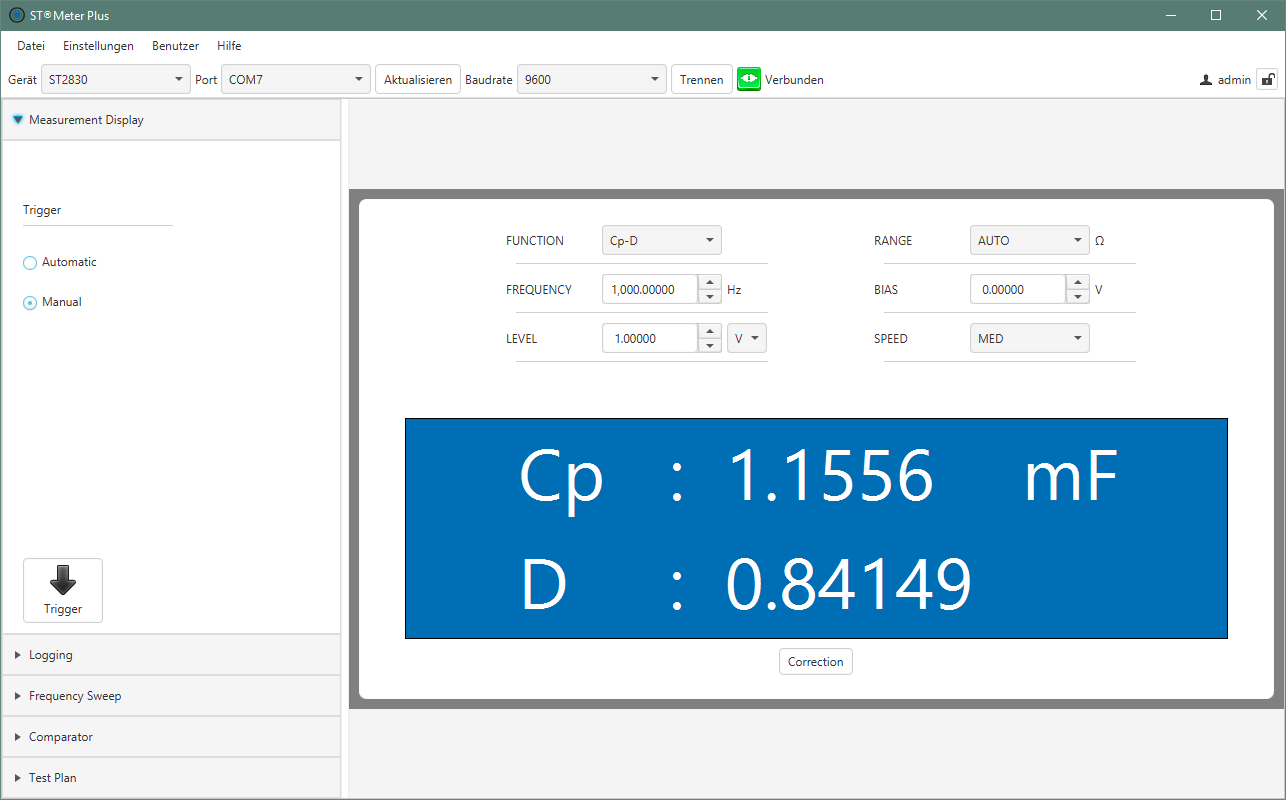
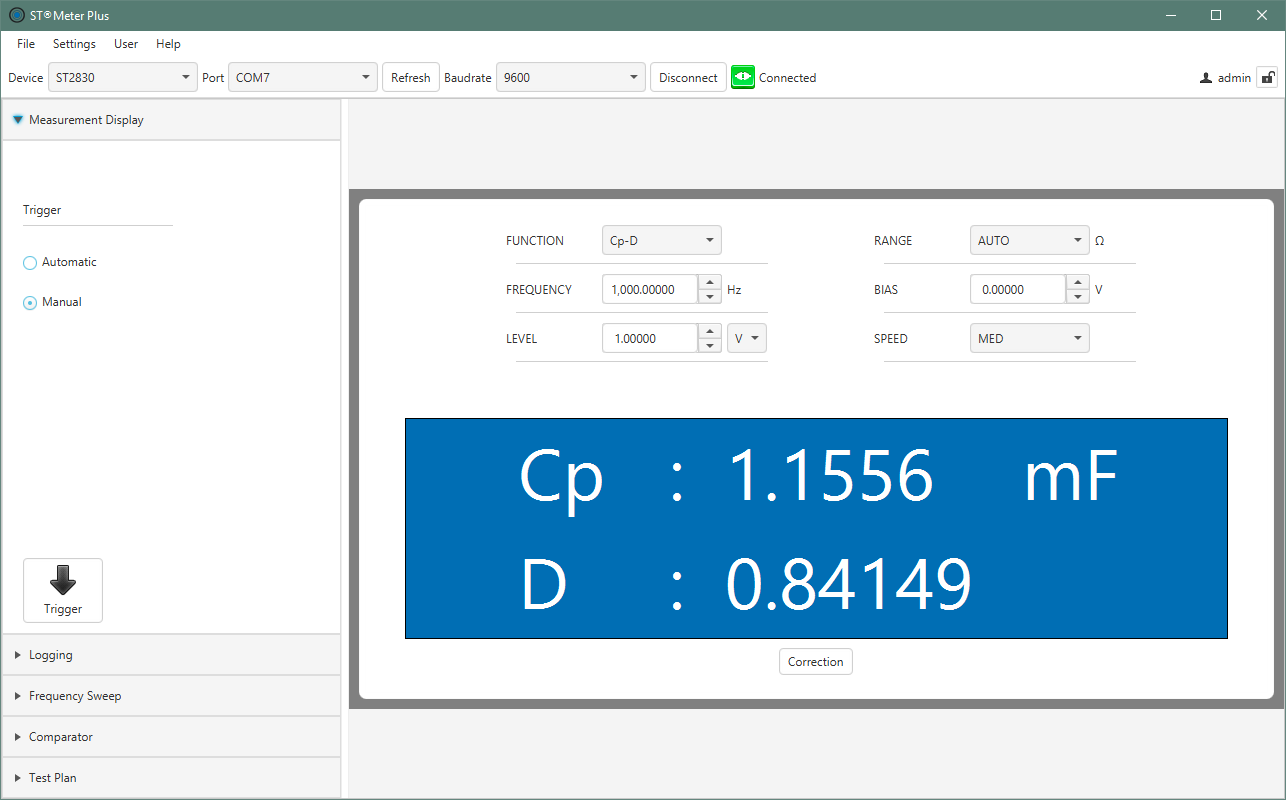
- “Live” data window
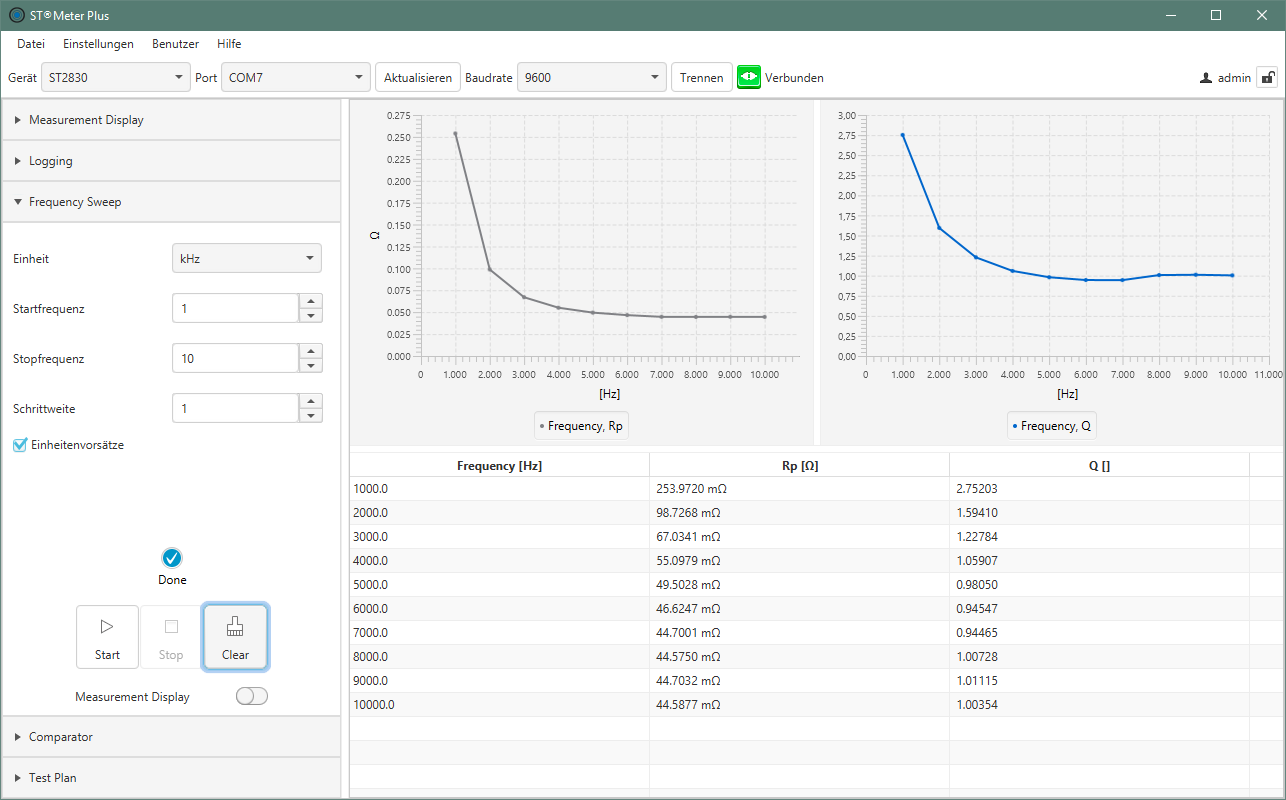
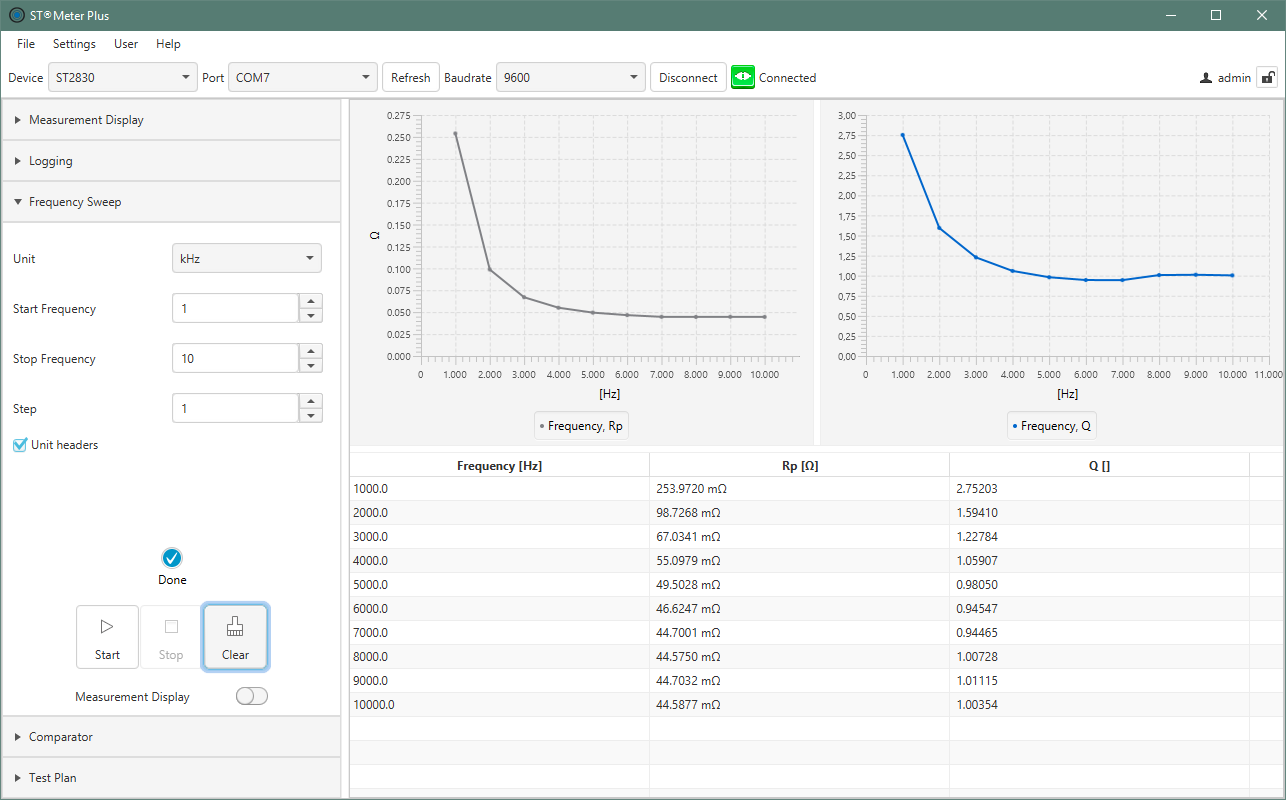
- Frequency sweep in graphical display
- Automatic zero calibration (Short/Open)
- Convenient JAVA “look & feel”
- Complete remote control of the instruments
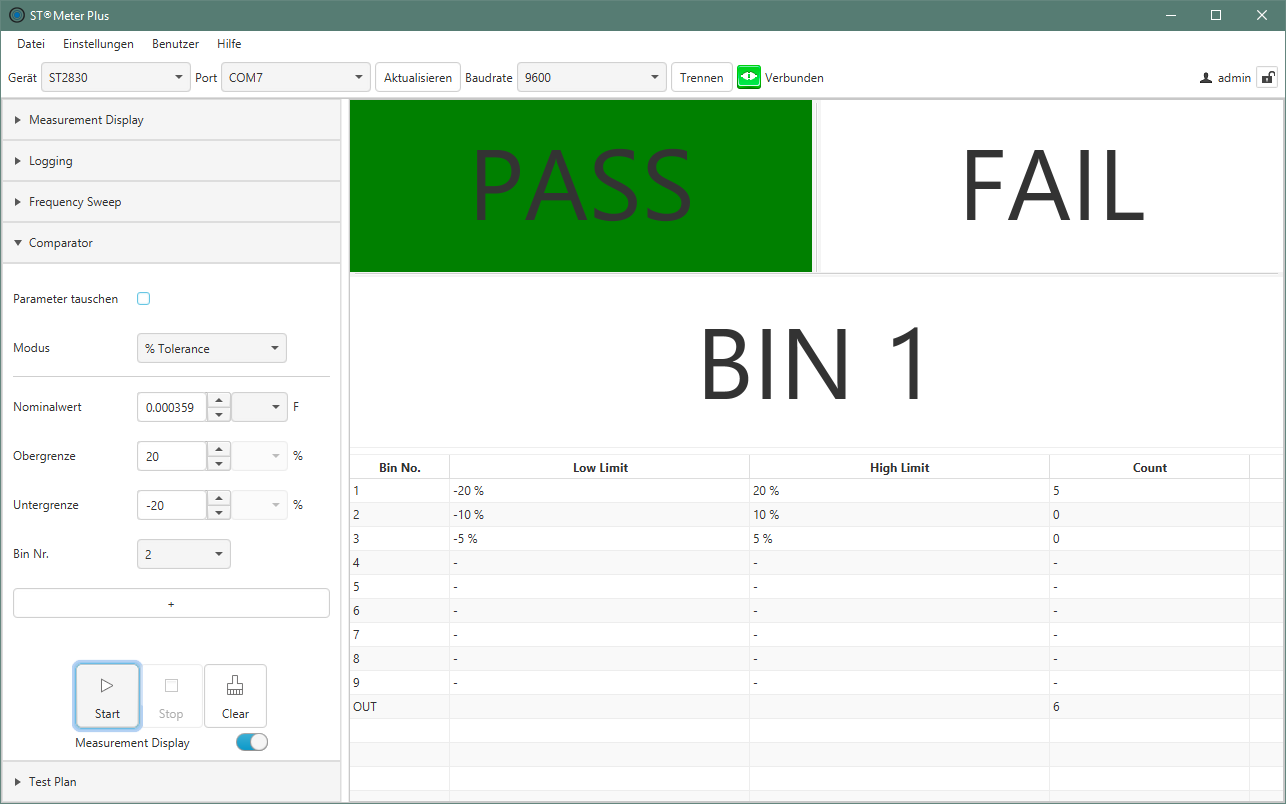
- User-defined limit value comparison
- “PASS/FAIL” analysis in seconds
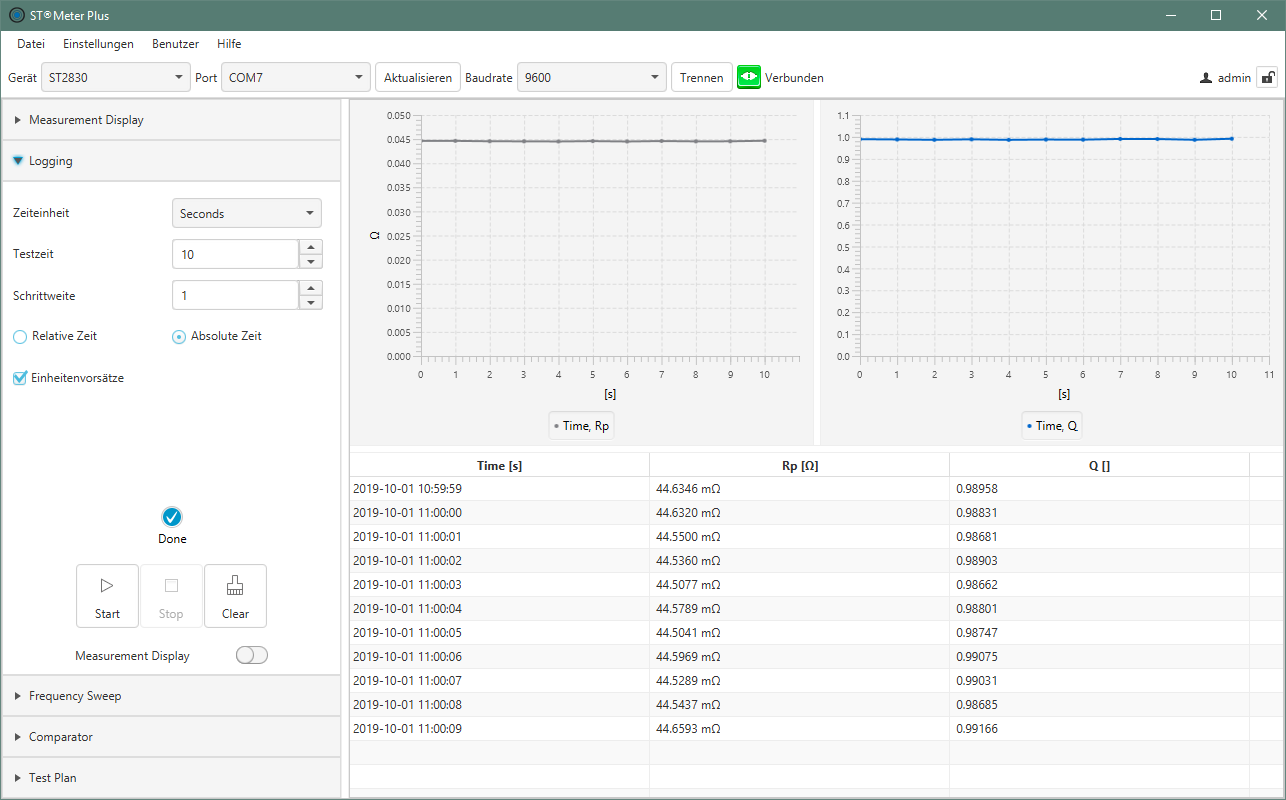
- Long-term measurement for test series
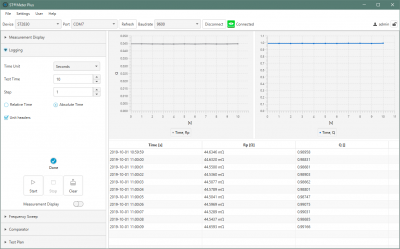
- Tabular logging
Supported devices
- Plug & Play control for Sourcetronic LCR meters:
- Milliohmmeters:
Interfaces & Export
- USB, RS-232
- CSV, Excel, graphs in PNG, PDF
System requirements
- Operating system: Windows
- Languages: German, English
Functions
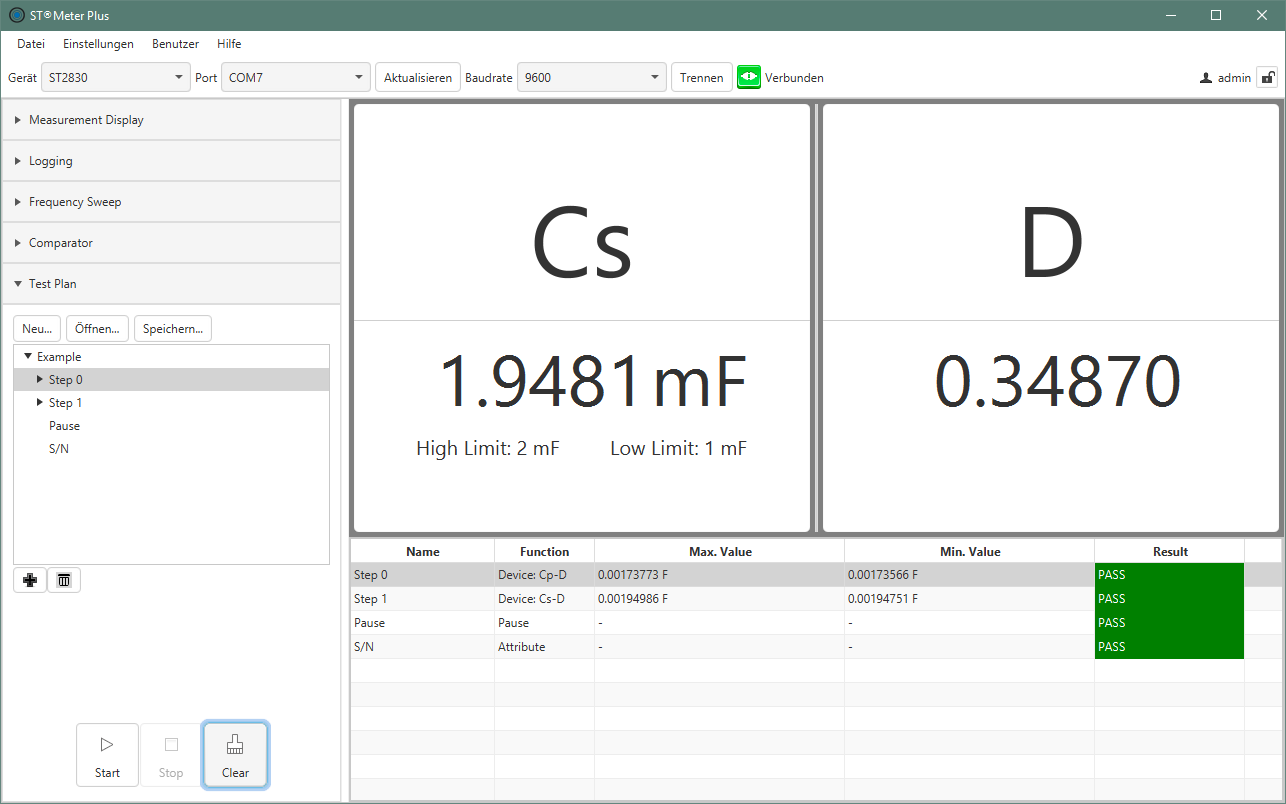
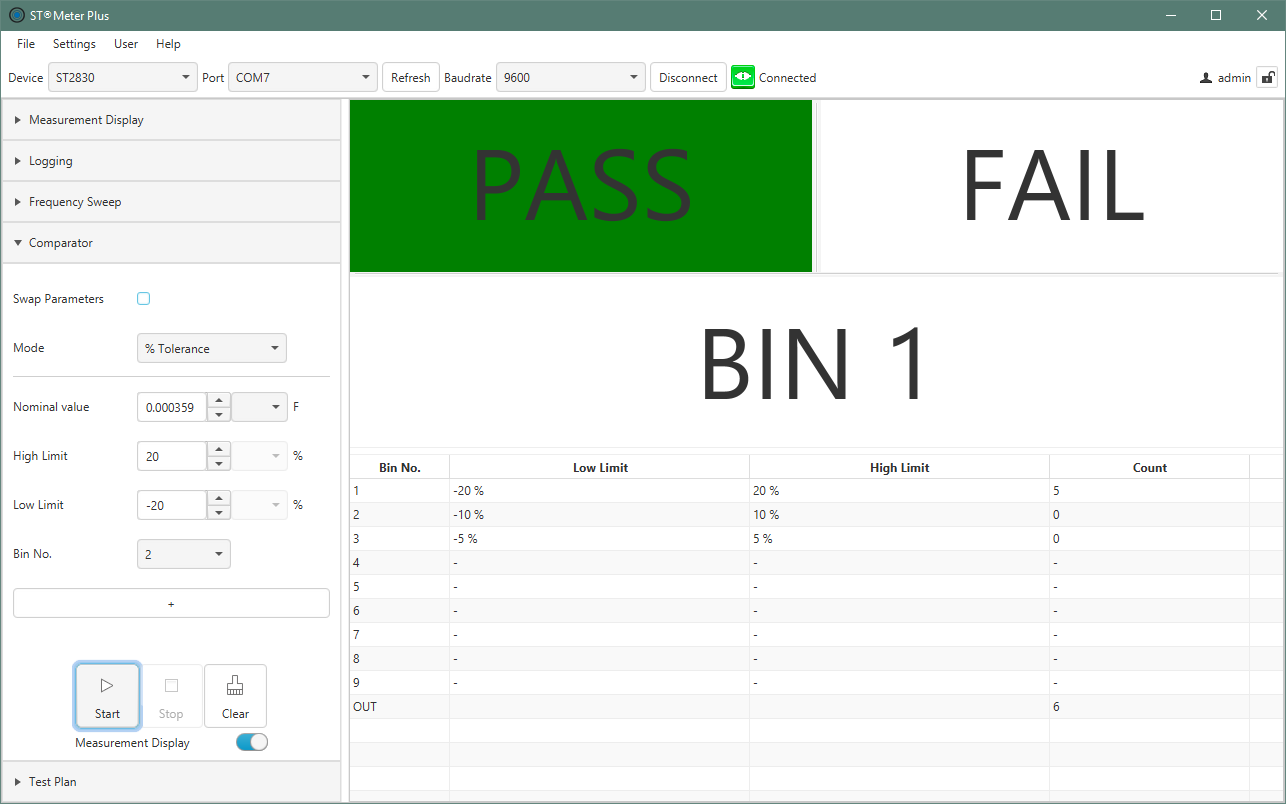
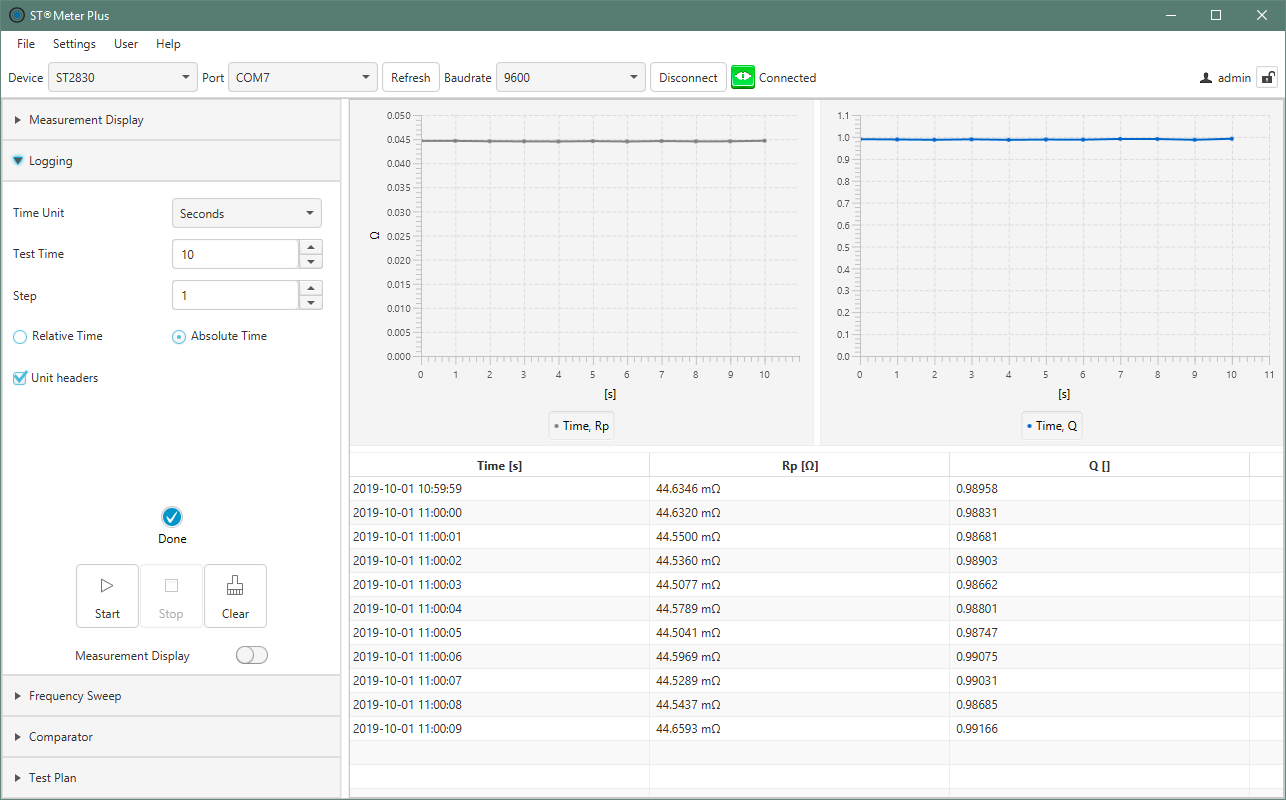
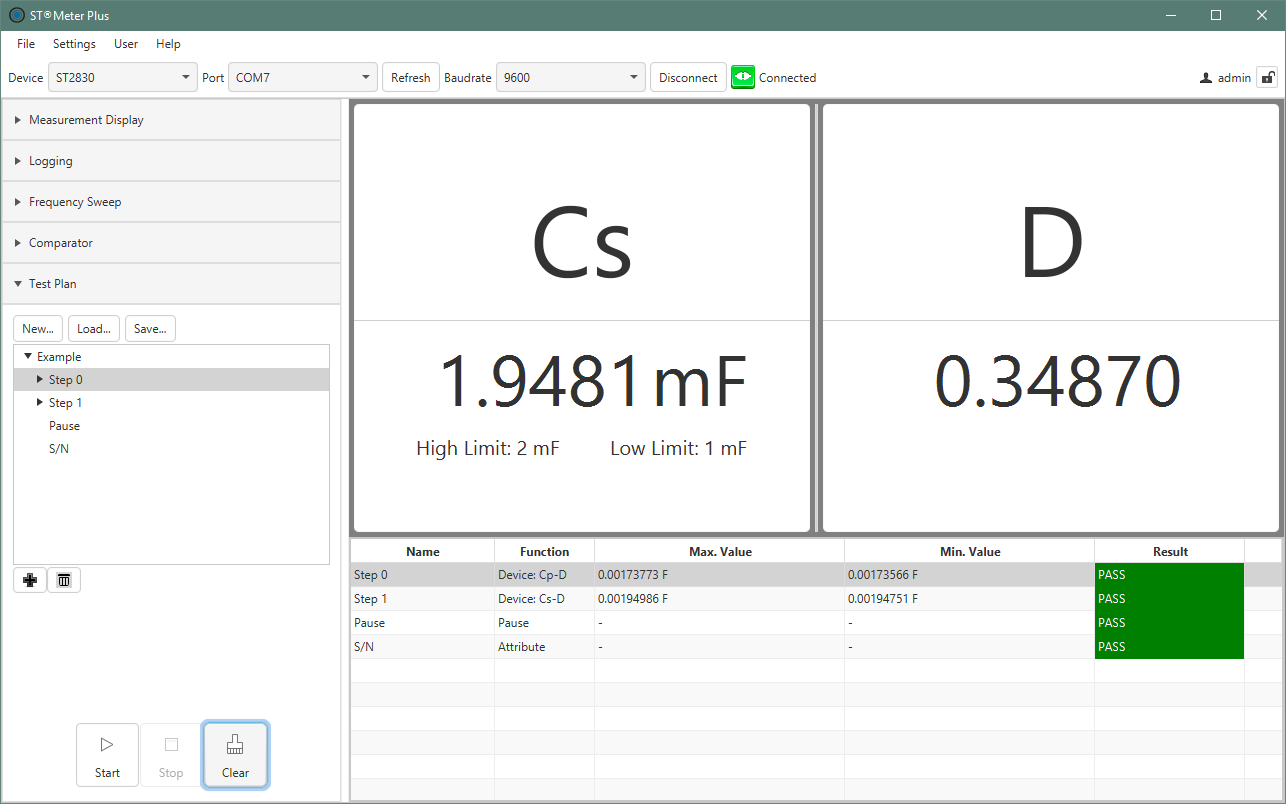
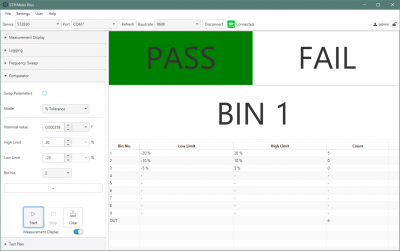
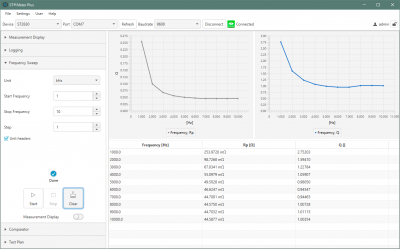
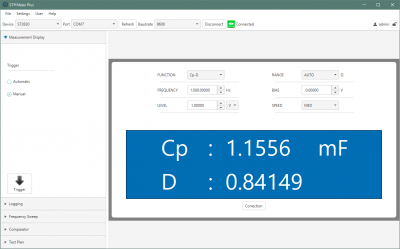
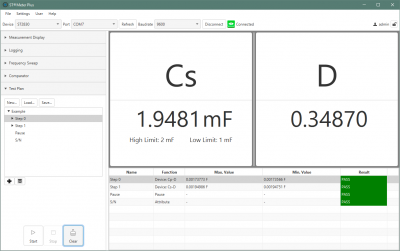
The Sourcetronic software offers a wide range of functions. Connected via RS-232, runtime diagrams with individual time intervals can be displayed in tabular or graphical form, among other things. The measurable values that can be displayed include, in addition to voltages and currents, capacitances and inductances, as well as frequencies and cycle times. With the convenient display you have everything at a glance: whether a signal has exceeded the set limit values positively or negatively is displayed in large format in green=PASS or red=FAIL.
Screenshots
|
Comparator function
|
Frequency sweep
|
|
Logging function
|
Measurement display
|
|
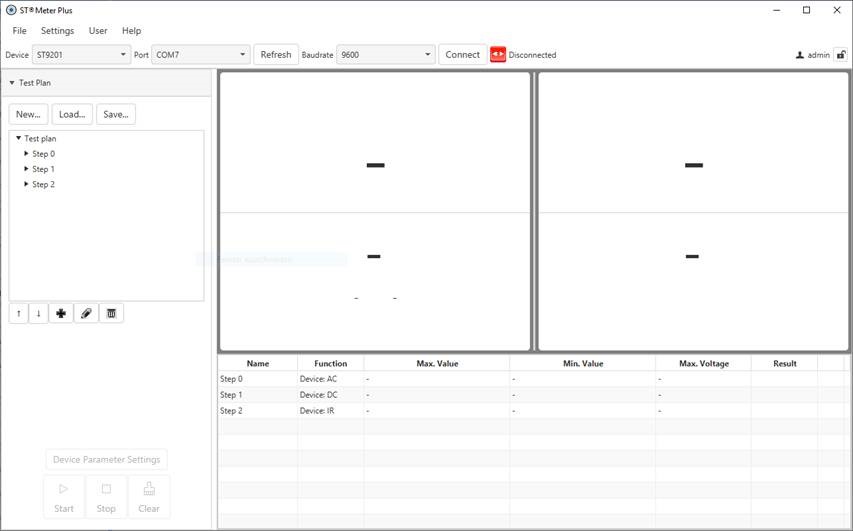
Test plan creation
|
Test options
|